JPG vs PNG vs WEBP — Which Format Should You Use?
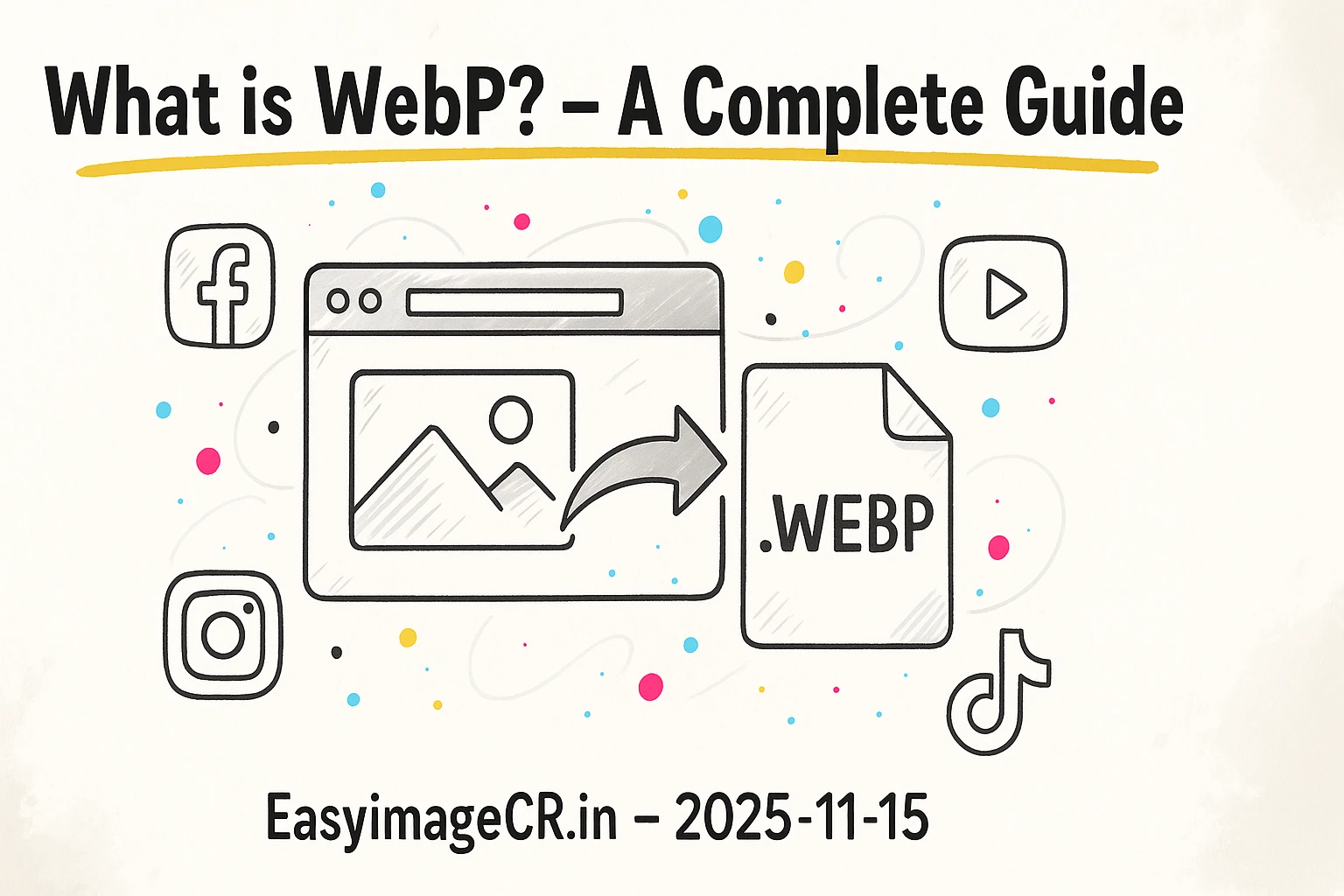
When you save an image, you're faced with a list of confusing formats. Does it matter if you choose JPG, PNG, or WEBP?
Yes—a lot. Choosing the right format is the most important step for balancing image quality with file size. Using the wrong one can lead to blurry logos, huge photo files that slow down your site, or images with ugly, blocky backgrounds.
Let's break down the only three formats you really need to know.
1. JPG (or JPEG): The King of Photos
JPG stands for Joint Photographic Experts Group. It's been the standard for photos for decades.
- Compression: Lossy. This means when you save a JPG, it smartly throws away tiny bits of information the human eye can't easily see. This is why it can make a 10MB photo into a 100KB file.
- Best for: Photos, complex images with gradients, and millions of colors.
- Pros: Excellent compression, small file sizes, and universally supported by every browser, camera, and program.
- Cons: Does not support transparency (it will add a white background). Not good for logos or text, as the compression can create blurry "artifacts" around sharp edges.
2. PNG: The King of Quality & Transparency
PNG stands for Portable Network Graphics. It was designed to be a high-quality replacement for the older GIF format.
- Compression: Lossless. When you save a PNG, *no data is lost*. It's a perfect pixel-for-pixel copy of the original.
- Best for: Logos, icons, text, screenshots, and any image that needs a transparent background.
- Pros: Perfect quality and supports transparency. Sharp edges and text look crystal clear.
- Cons: File sizes are massive, especially for photos. A photo saved as a PNG can be 5-10 times larger than the same photo as a JPG.
3. WEBP: The Modern Champion
WEBP is a modern format developed by Google specifically to solve the problems of JPG and PNG. It's designed to be the one-format-rules-all for the web.
- Compression: It can be *both*! It has a "lossy" mode (like JPG) and a "lossless" mode (like PNG).
- Best for: Everything. It's the best choice for both photos and graphics.
- Pros:
- A "lossy" WEBP photo is 25-35% smaller than a JPG of the same quality.
- A "lossless" WEBP graphic is ~26% smaller than a PNG of the same quality.
- It supports transparency (like PNG).
- It even supports animation (like a GIF).
- Cons: It's newer. While it's supported by 97% of modern browsers (Chrome, Firefox, Edge, Safari), some very old systems might not recognize it. (This is rarely a problem in 2025).
Summary: Which to Choose?
| Format | Best for | Transparency? | File Size |
|---|---|---|---|
| JPG | Photos | No | Small |
| PNG | Logos, Graphics | Yes | Large |
| WEBP | Everything (Web) | Yes | Smallest |
💡 The Best Strategy: Convert to WEBP
For almost all web use, WEBP is the best choice. It gives you the highest quality at the smallest file size.
You can easily convert your existing files using EasyImageCR.in. Here's a common workflow:
- You have a 3MB PNG photo from a designer. This is too large for your website.
- Upload it to EasyImageCR.in.
- In the "Format" dropdown, select WEBP.
- Set the "Quality" slider to 85%.
- Click "Resize & Download".
Your new file will be a tiny ~90KB WEBP file that looks identical to the original and is ready for your website. You can use the same tool to convert a JPG to WEBP, or a PNG to JPG, all privately within your browser.
⬅ Back to Blogs