The Ultimate Pinterest Pin Size Guide 2026 (Viral 2:3 Ratio)
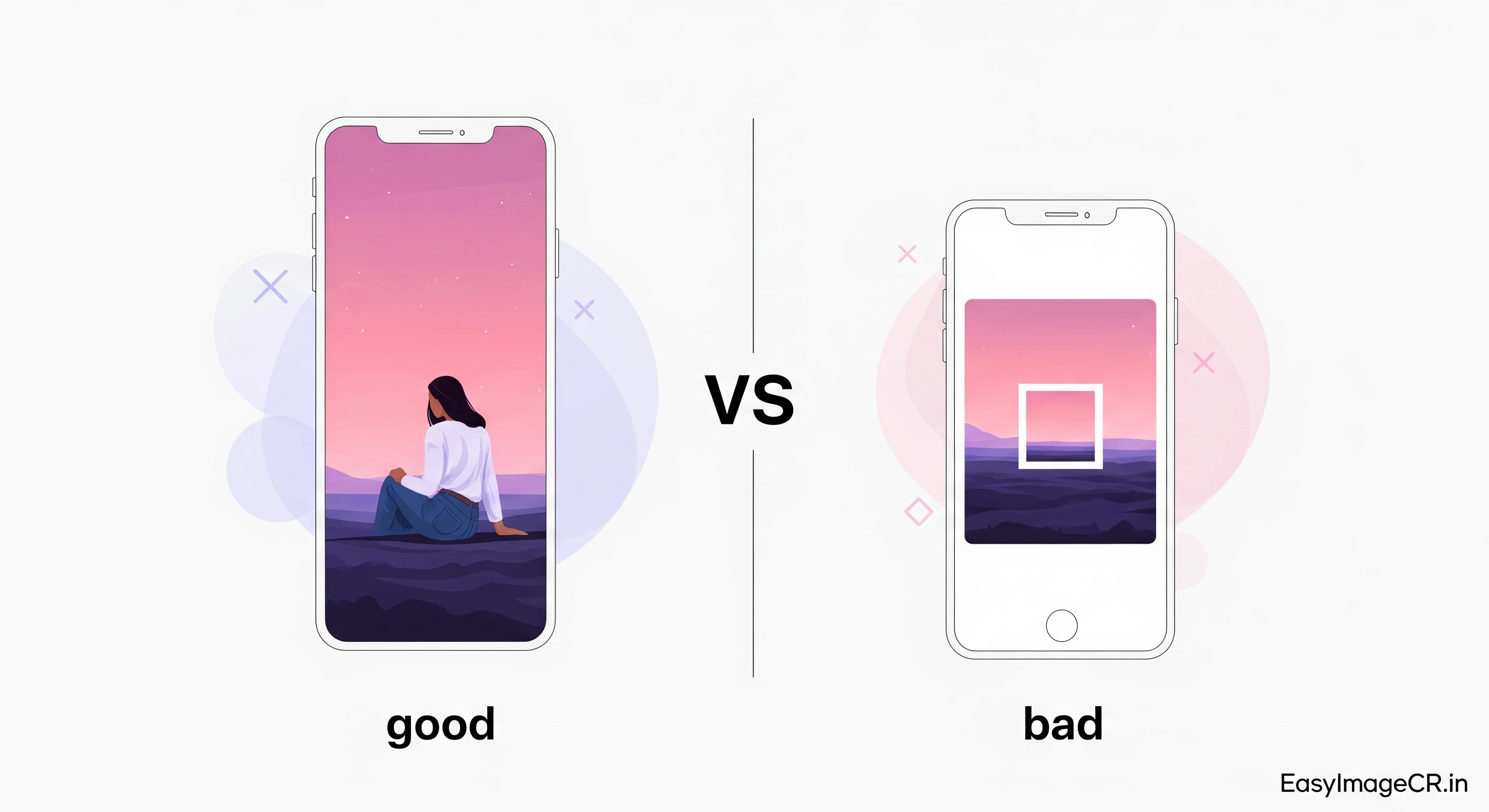
Summary: Pinterest is different from every other social network. It ignores landscape photos and favors tall, vertical content. If you want traffic, you must use the 2:3 Aspect Ratio. This guide shows you how to crop any image to the perfect "Pin" shape in seconds.
If you are a blogger, Etsy seller, or influencer, Pinterest is likely your biggest source of traffic. But unlike Facebook or YouTube, Pinterest is a vertical visual search engine.
When users scroll through their feed on a phone, Pinterest allocates space based on height. A tall image takes up more screen real estate than a square one. A tiny landscape photo gets lost completely.
To win on Pinterest, you need to dominate that vertical space. But be careful—if you make your image *too* tall (like a "giraffe"), Pinterest will cut it off. You need the "Goldilocks" size.
The Only Ratio That Matters: 2:3
Pinterest explicitly recommends the 2:3 aspect ratio (or 1000 x 1500 pixels). This means for every 2 units of width, the image is 3 units tall.
- Recommended Size: 1000 x 1500 pixels.
- Minimum Size: 600 x 900 pixels.
- File Size: Under 20MB (but aim for under 500KB for speed).
- File Type: JPG or PNG.
The "Giraffe" Problem (Don't Go Too Tall!)
Some users try to cheat the system by uploading super-long infographics (e.g., 1:3 ratio). In 2026, Pinterest truncates (cuts off) images that are taller than a 1:2.1 ratio in the main feed. Users have to click to see the full image, which lowers engagement.
Stick to 2:3. It is the safe, standard, and most effective size.
✅ How to Create a Perfect Pin (Without Canva)
You don't always need to open a heavy design tool just to resize a photo for Pinterest. You can do it instantly with our free browser tool.
Step 1: Upload Your Photo
Go to EasyImageCR.in and drag your photo into the box.
Step 2: Click the "2:3" Button
We added a specific button just for this.
1. Click "🎨 Show Edit Tools".
2. Find and click the "2:3" button in the crop menu.
The tool will instantly center-crop your landscape or square photo into a perfect Pinterest vertical format.
Step 3: Resize for Quality
In the "Width (px)" box, type 1000. Since "Maintain Ratio" is on, the height will automatically become 1500. This is the highest quality size Pinterest accepts.
Step 4: Download
Click "Resize & Download". You now have a viral-ready Pin.
Pro Tip: Repurposing Instagram Content
Have a great Instagram Story? Good news! Instagram Stories use a 9:16 ratio, which is also accepted on Pinterest (though slightly taller than recommended). You can usually upload your Stories directly to Pinterest as "Idea Pins" without editing.
However, if you want to turn a square Instagram Post into a Pin, don't just upload it. Use our 2:3 Crop tool to trim it into a vertical shape first. It will look much more native to the platform.
⬅ Back to Blogs