What is WEBP? A Beginner's Guide for Better Quality and Faster Images
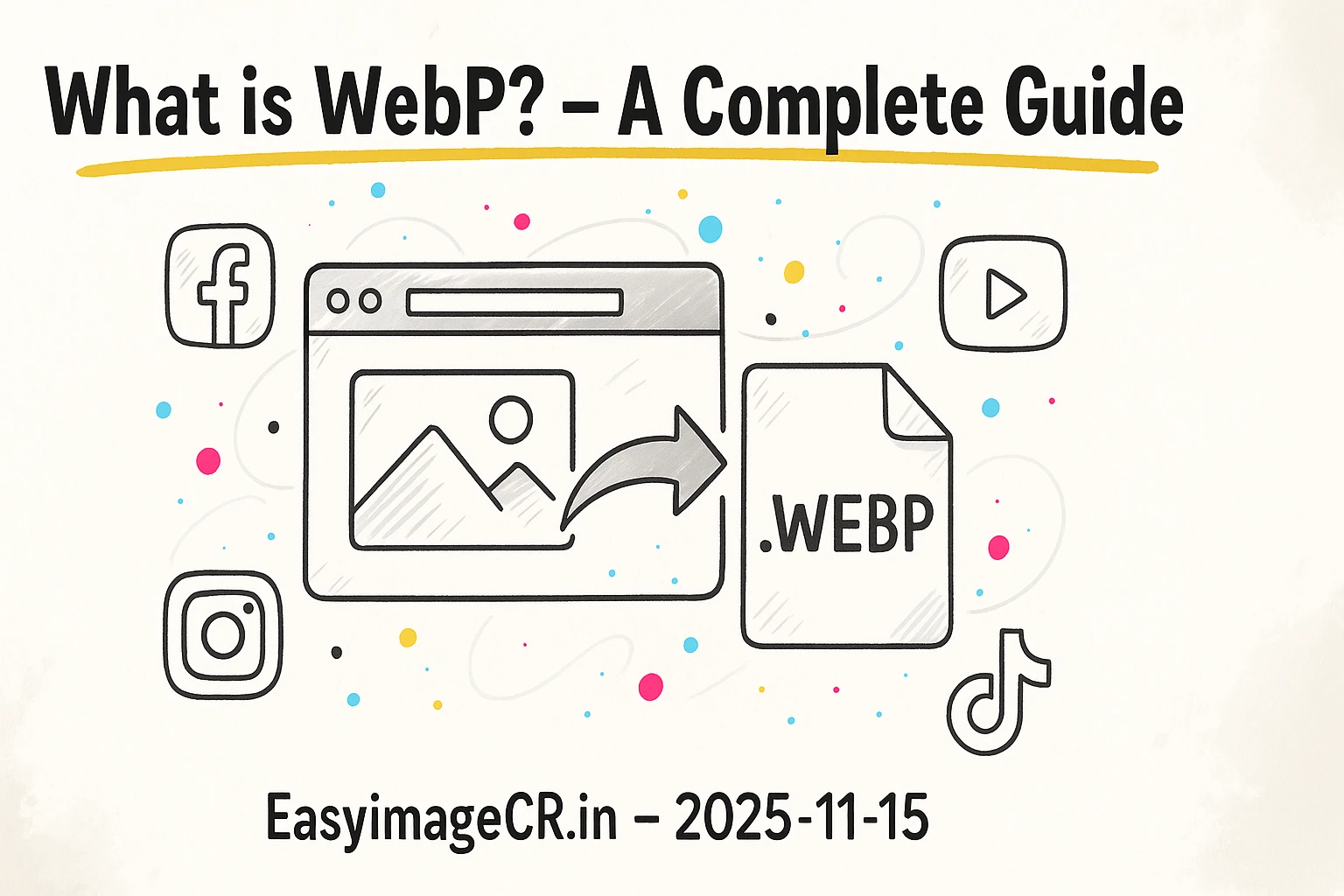
Glimpse: WEBP (pronounced "weppy") is a modern image format from Google. It creates files that are significantly smaller than JPGs and PNGs while maintaining the same (or better) quality, making your website load much faster.
If you've spent any time on this blog, you've heard us recommend one image format over all others: **WEBP**. You've seen it in our `JPG vs. PNG vs. WEBP` article and in our tool's format dropdown. But what *is* it, and why is it so much better?
This guide will simply explain what WEBP is, why it's the new standard, and how you can start using it in 30 seconds.
What is a WEBP File?
WEBP is an image format developed by Google, first announced in 2010. Its one simple goal was to replace JPG, PNG, and GIF by combining the best features of all three into a single format that is smaller and more efficient.
For years, we had two choices:
- JPG: Good for photos, small file size, but "lossy" (loses quality) and doesn't support transparency.
- PNG: "Lossless" (perfect quality), supports transparency, but results in *massive* file sizes for photos.
WEBP solves this. It can be *both* lossy and lossless, and it supports transparency and even animation. It's the one format to rule them all.
The 3 Main Benefits of Using WEBP
1. Dramatically Smaller File Sizes
This is the number one reason to switch. Google's data shows:
- A "lossy" WEBP image (for photos) is **25-34% smaller** than an identical-quality JPG.
- A "lossless" WEBP image (for logos) is **26% smaller** than an identical-quality PNG.
For a website, this is a game-changer. If your homepage is 2MB, converting your images to WEBP could drop it to 1.3MB. This directly translates to faster page load times, which Google loves for SEO, and users on mobile data *really* love.
2. Superior "Lossless" and "Lossy" Quality
WEBP's compression is more advanced than JPG's. A WEBP image at 80% quality will often look sharper and have fewer "blocky" artifacts than a JPG at 80% quality. It's just a smarter way to save a photo.
And for graphics, its "lossless" mode is just as sharp as a PNG, but smaller. You lose nothing and gain speed.
3. The "All-in-One" Format
Before WEBP, you had to manage three file types:
- `photo.jpg` (for your blog post photo)
- `logo.png` (for your logo with a transparent background)
- `animation.gif` (for a simple animated icon)
WEBP can do all of this in one format. It fully supports transparency (like PNG) and animation (like GIF) but with far better quality and smaller file sizes.
Addressing the Myth: "WEBP isn't Supported Everywhere"
For many years, this was the only reason not to use WEBP. Safari, in particular, was late to adopt it.
This is no longer true. As of today, WEBP is supported by **over 97% of all browsers** in use worldwide, including:
- Google Chrome (for desktop and Android)
- Apple Safari (for desktop and iOS)
- Microsoft Edge
- Firefox
- Opera
Unless you need to support users on Internet Explorer (which you shouldn't), WEBP is 100% safe to use as your new default for all web images.
✅ How to Easily Convert to WEBP in 30 Seconds
So, you have a folder full of PNGs and JPGs. How do you convert them? You don't need to buy a special program. You can use a private, in-browser tool.
Our tool, EasyImageCR.in, was built for this. Because it runs 100% in your browser, your personal photos are never uploaded to a server.
The Simple Workflow:
- Drag your JPG or PNG file onto the drop-area.
- In the "Format" dropdown, select WEBP.
- In the "Compression Mode", select "Quality".
- Set the "Quality" slider. A good starting point is 85% for photos or 95% for sharp graphics.
- Click "Resize & Download". (It will also convert, even if you don't change the size).
You now have a highly-optimized WEBP file that is smaller than your original and ready for your website, blog, or project. It's the single best thing you can do to speed up your site and save bandwidth.
The transition is happening. JPG and PNG are the old guard; WEBP is the new, faster, and more efficient standard for the modern web.
⬅ Back to Blogs