The Perfect YouTube Thumbnail Size & Best Practices (2026 Guide)
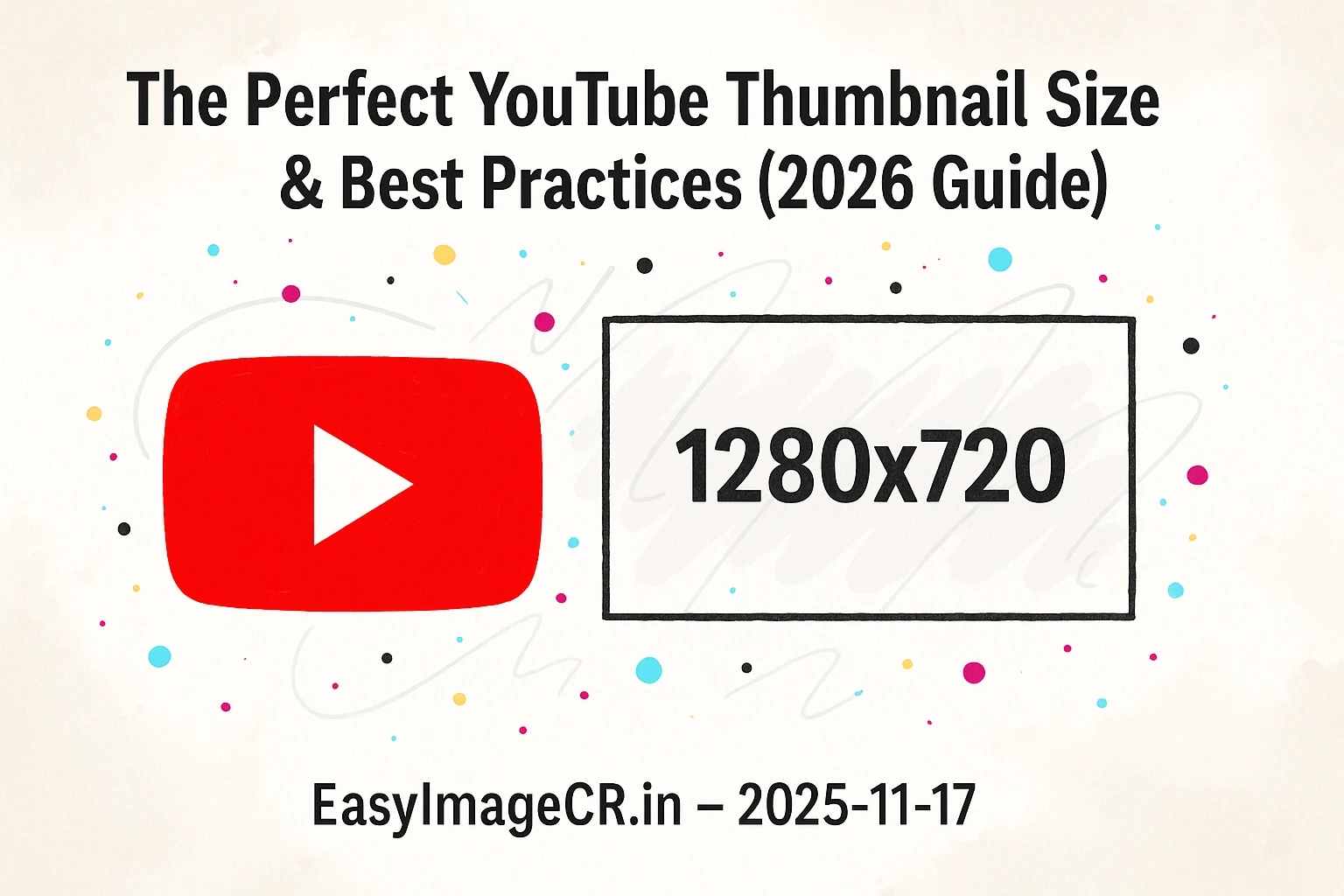
Glimpse: The perfect YouTube thumbnail is 1280 x 720 pixels. But there's a catch: the file size must be under 2MB. This guide shows you how to hit those specs perfectly so your custom thumbnail is never rejected.
You spent hours filming and editing your video. It's finally ready. You go to upload your custom thumbnail—that beautiful, high-res image you designed—and YouTube rejects it.
"File is bigger than 2MB."
It's the most frustrating error message for creators. Or worse, you upload a thumbnail that looks great on your computer, but on a phone, it has black bars on the side because the shape is wrong.
Your thumbnail is the most important factor in your Click-Through Rate (CTR). If it doesn't look perfect, people won't watch. Here is everything you need to know to get it right in 2026.
The Golden Rules of YouTube Thumbnails
YouTube has very specific technical requirements. If you miss even one, your thumbnail might look bad or be rejected entirely.
1. The Perfect Dimensions: 1280 x 720 pixels
While the minimum width is 640 pixels, you should never use that.
Always create your design at **1280 pixels wide by 720 pixels tall**. This ensures it looks crisp on high-resolution Retina displays, iPads, and TV screens.
2. The Aspect Ratio: 16:9
This is the shape of a standard widescreen video. If you upload a square image (1:1) or a tall image (9:16), YouTube will add ugly black bars to the sides to fill the space.
Tip: If you are taking a photo for your thumbnail, turn your phone sideways (landscape mode) to get the right shape naturally.
3. The File Limit: Under 2MB
This is where most creators get stuck. You make a complex design in Photoshop or Canva with lots of text, layers, and high-quality photos. When you export it as a PNG, the file size can easily be 5MB or 10MB.
YouTube will strictly reject any file over 2MB. You must compress it.
JPG vs. PNG: Which is Better for YouTube?
This is a common debate.
- PNG: Higher quality, lossless text. But produces HUGE file sizes.
- JPG: Slightly lower quality, but much smaller file sizes.
The Verdict: For YouTube thumbnails, **JPG is usually the winner**. On a small mobile screen, no one can tell the difference between a 5MB PNG and a 500KB JPG. The JPG is much safer to ensure you stay under the 2MB limit.
✅ The "2MB Fix" Workflow
If your thumbnail is getting rejected for being too big, here is the 30-second fix using our private tool, EasyImageCR.in.
Step 1: Upload Your "Too Big" Thumbnail
Drag your large PNG or high-res file onto the tool.
Step 2: Check Dimensions
In the "Width" box, ensure it says 1280. If it's larger (e.g., 1920 or 4000), resize it down to 1280. This alone will save huge amounts of space.
Step 3: The Magic Fix (Target Size)
If the file is *still* huge, use the "Target Size" feature.
- Select **Compression Mode: Target Size (KB)**.
- Enter **1900** (this is 1.9MB, safely under the 2MB limit).
- Select **JPEG** or **WEBP** as the format.
Step 4: Download
Click "Resize & Download". You now have a file that is guaranteed to be accepted by YouTube, with the highest possible quality that fits within their rules.
Pro Tip: Check the "Time Stamp" Spot
When your video appears in a search result, YouTube overlays the length of the video (e.g., "10:05") in the **bottom-right corner** of your thumbnail.
Never put important text or logos in the bottom-right corner. They will be covered up by the time stamp, looking messy and unprofessional.
⬅ Back to Blogs